Adding Multilingual Support to a GitHub Blog

Updated 2026-07-28!
This article was written when I was using the Jekyll framework. It has now migrated to Astro!
Updated 2024-09-15!
Supporting multilingual content is great, but maintenance became too difficult and complex, so I reverted to the pre-plugin state. Proper multilingual support requires modifying surprisingly many parts, which makes merging with the stock theme extremely painful.
Plugin Overview
Two Jekyll plugins implement multilingual functionality in a GitHub blog environment: jekyll-polyglot and jekyll-multiple-languages-plugin. I used the former, jekyll-polyglot. This plugin generates translated pages by inserting the I18N language code defined in each post’s front matter lang value after the root URL. It was modeled after the latter plugin, and the official guide covers everything from installation to caveats in the Polyglot GitHub repository.
Preparation
Installing and Configuring the Plugin
group :jekyll_plugins do
  gem "jekyll-polyglot"
end
Register the plugin in Gemfile as above and run gem install jekyll-polyglot to install it.
plugins:
  - jekyll-polyglot

languages: ["ko", "en"]
default_lang: "ko"
exclude_from_localization: ['javascript', 'images', 'css', 'sitemap.xml']
parallel_localizaion: true
Once installed, add the above to _config.yml. languages lists the languages the site supports, default_lang sets the default language. A critical note: on Windows, parallel_localization doesn’t work correctly, so you must set it to false.
Fixing a Regex Bug
After installing and building, you’ll hit an error: 'relative_url_regex': target of repeat operator is not specified:. This occurs because some regexes in the plugin’s site.rb can’t handle wildcards (*) like exlude: *.gem *.gemspec *.config.js in Chirpy’s _config.yml. I asked the plugin author, who replied that per this document, Chirpy misuses global patterns in _config.yml.
However, other Jekyll themes like Minimal-Mistakes also use global patterns, so the plugin code itself needs fixing. Since this requires modifying the plugin, I forked it to my GitHub and reference it in the Gemfile:
gem 'jekyll-polyglot', git: 'https://github.com/hyngng/jekyll-polyglot', branch: 'master'Then I modified the relative_url_regex() and absolute_url_regex() functions in jekyll-polyglot-1.8.0/lib/jekyll/polyglot/patches/jekyll/site.rb:
def relative_url_regex(disabled = false)
  regex = ''
  unless disabled
    @exclude.each do |x|
      escaped_x = Regexp.escape(x)
      regex += "(?!#{escaped_x})"
    end
    @languages.each do |x|
      escaped_x = Regexp.escape(x)
      regex += "(?!#{escaped_x}\/)"
    end
  end
  start = disabled ? 'ferh' : 'href'
  %r{#{start}="?#{@baseurl}/((?:#{regex}[^,'"\s/?.]+\.?)*(?:/[^\]\[)("'\s]*)?)"}
end

...

def absolute_url_regex(url, disabled = false)
  regex = ''
  unless disabled
    @exclude.each do |x|
      escaped_x = Regexp.escape(x)
      regex += "(?!#{escaped_x})"
    end
    @languages.each do |x|
      escaped_x = Regexp.escape(x)
      regex += "(?!#{escaped_x}\/)"
    end
  end
  start = disabled ? 'ferh' : 'href'
  %r{(?<!hreflang="#{@default_lang}" )#{start}="?#{url}#{@baseurl}/((?:#{regex}[^,'"\s/?.]+\.?)*(?:/[^\]\[)("'\s]*)?)"}
end
After the fix, running bundle exec jekyll s confirmed the build completes without errors.
Modifying Post File Attributes
---
lang: en
permalink: example-url-here
---
Posts you want translated need a language value in their front matter. Typically use I18N country codes like ko, en; I used ko-KR and en. The permalink specifies the post’s URL path — necessary because Jekyll treats two files with the same URL as identical, so this artificially distinguishes the original from the translation.
_posts/2010-03-01-salad-recipes-en.md
_posts/2010-03-01-salad-recipes-sv.md
_posts/2010-03-01-salad-recipes-fr.md
If you dislike using permalink to differentiate languages, you can instead rename files as above, but then page URLs may contain redundant repetition like example.github.io/en/2010-03-01-salad-recipes-en.
Template Modifications
This section is Chirpy-specific; if you use a different Jekyll template, you can skip to Miscellaneous Tasks. But if you need similar Chirpy modifications, this may help.
- Variables available in jekyll-polyglot:
site.default_lang: Default language declared in_config.yml.site.active_lang: Currently active language on the page.page.lang: Post language declared in front matter.
Using these three variables, you can write conditionals like {% if page.lang == site.default_lang %} to restrict displayed language contextually.
Loading the Site Language
{% if site.active_lang %}
  {% assign lang = site.active_lang %}
{% elsif site.data.locales[page.lang] %}
  {% assign lang = page.lang %}
{% elsif site.data.locales[site.lang] %}
  {% assign lang = site.lang %}
{% else %}
  {% assign lang = 'site.default_lang' %}
{% endif %}
Chirpy sets the language in a separate _includes/lang.html file. Modify it as above, then include lang.html in detail layout files.
Displaying Content by Language
{% include lang.html %}Most places simply include lang.html. Pagination required separate logic since just changing the language designation wasn’t enough. Most changes ensure that on a given language’s page, only posts and info written in that language appear.
<div id="post-list" class="flex-grow-1 px-xl-1">
  {% for post in posts %}
    {% if post.lang == site.active_lang %}
      <article class="card-wrapper card">...</article>
    {% endif %}
  {% endfor %}
</div>
For example, in _layouts/home.html, adding {% if post.lang == site.active_lang %} ensures that when the site language is English, only lang: en posts appear. Other files modified in detail:
| Purpose | File Path |
|---|---|
| Common layout | _layouts/default.html |
| Home page | _layouts/home.html |
| Categories | _layouts/category.html |
| Tags page | _layouts/tags.html |
| Archive page | _layouts/archive.html |
| About page | _layouts/about.html |
| Recently updated | _includes/update-list.html |
| Trending tags | _includes/trending_tags.html |
| Related posts | _includes/related-posts.html |
| Post navigation | _includes/post-nav.html |
| Pagination | _includes/post-paginator.html |
Separating About Page Content by Language
{% if site.active_lang == 'ko-KR' %}
## Korean Self-Introduction
...
{% elsif site.active_lang == 'en' %}
## English Self-Introduction
...
{% endif %}
How to show different content on the About page per language. I initially wondered if I needed separate files like about-en.md, but showing different content in a single file based on site language turned out simplest.
Making Word Count Display Natural
<span
  class="readtime"
  data-bs-toggle="tooltip"
  data-bs-placement="bottom"
  title="{{ words }}{% if site.active_lang != 'ko-KR' %}{{ ' ' }}{% endif %}{{ site.data.locales[include.lang].post.words }}
>
A small detail that bothered me. In this theme, hovering the read time at the top of a post shows the word count, but regardless of language there’s a space between the number and unit — e.g., “1000 자”. It felt unnatural, so I changed it to “1000자” for Korean (no space) and “1000 words” for other languages (with space).
Miscellaneous Tasks
Declaring Page Language in the Header
{% I18n_Headers %}Per the Google Search Central international and multilingual guide. Not mandatory, but if you care about SEO, adding this to the header to declare the page language is recommended. The code transforms at build time to:
<meta http-equiv="Content-Language" content="ko-KR">
<link rel="alternate" hreflang="ko-KR" href="ttps://hyngng.github.io/posts/:title/"/>
<link rel="alternate" hreflang="en" href="https://hyngng.github.io/en/posts/:title/"/>
Including the Plugin in the Build Process
name: Jekyll site CI

on:
  push:
    branches: [ "site" ]
  pull_request:
    branches: [ "site" ]

jobs:
  build:

    runs-on: ubuntu-latest

    steps:
    - uses: actions/checkout@v3
    - name: Build the site in the jekyll/builder container
      run: |
        docker run \
        -v $:/srv/jekyll -v $/_site:/srv/jekyll/_site \
        jekyll/builder:latest /bin/bash -c "chmod -R 777 /srv/jekyll && jekyll build --future"

    - name: Push
      uses: s0/git-publish-subdir-action@develop
      env:
          REPO: self
          BRANCH: main
          FOLDER: _site
          GITHUB_TOKEN: $
          MESSAGE: "Build: ({sha}) {msg}"
Unlike built-in plugins, jekyll-polyglot is treated as an external plugin and must be built separately for security. Create a new .yml file in .github/workflows/ with the above content and it builds without issues.
Including All Pages in the Sitemap
...
{% for lang in site.languages %}
  {% for post in site.posts %}
    {% if lang == post.lang %}
      <url>
        <loc>
          {{ site.url }}
          {% if lang == site.default_lang %}
            {{ post.url }}
          {% else %}
            {{ post.url | prepend: lang | prepend: '/' }}
          {% endif %}
        </loc>
        ...
      </url>
    {% endif %}
  {% endfor %}
{% endfor %}
The sitemap is one of the biggest pain points with multilingual support — by default it only generates <loc> tags for the default language pages. I modified it to iterate over all languages in site.languages, and also ignore invalid elements like Korean pages auto-generated from lang: en files.
Adding a Language Switcher Button to Pages
{% for lang in site.languages %}
  <div class="lang" style="display: inline;">
    <a style="
      {% if lang == site.active_lang %}
        font-weight: bold;
      {% endif %}"
      href="
      {% if lang == site.default_lang %}
        {{site.baseurl}}{{page.url}}
      {% else %}
        {{site.baseurl}}/{{ lang }}{{page.url}}
      {% endif %}">
      {{ lang }}
    </a>
    {% if forloop.last == false %}
      <span class="lang-border"> </span>
    {% endif %}
  </div>
{% endfor %}
If needed, you can add a language switcher anywhere with the above. Personally, my blog has no language-exclusive content, and I don’t think visitors need to view it in another language, so I didn’t add it.
Separating Feed Content by Language
{% assign filtered_posts = site.posts | where: "lang", site.active_lang %}

{% for post in filtered_posts limit: 5 %}
  <entry> ... </entry>
{% endfor %}
The feed also dynamically generates only posts matching site.active_lang into filtered_posts. When registering with webmaster tools, I registered both feed.xml and /en/feed.xml separately.
Result
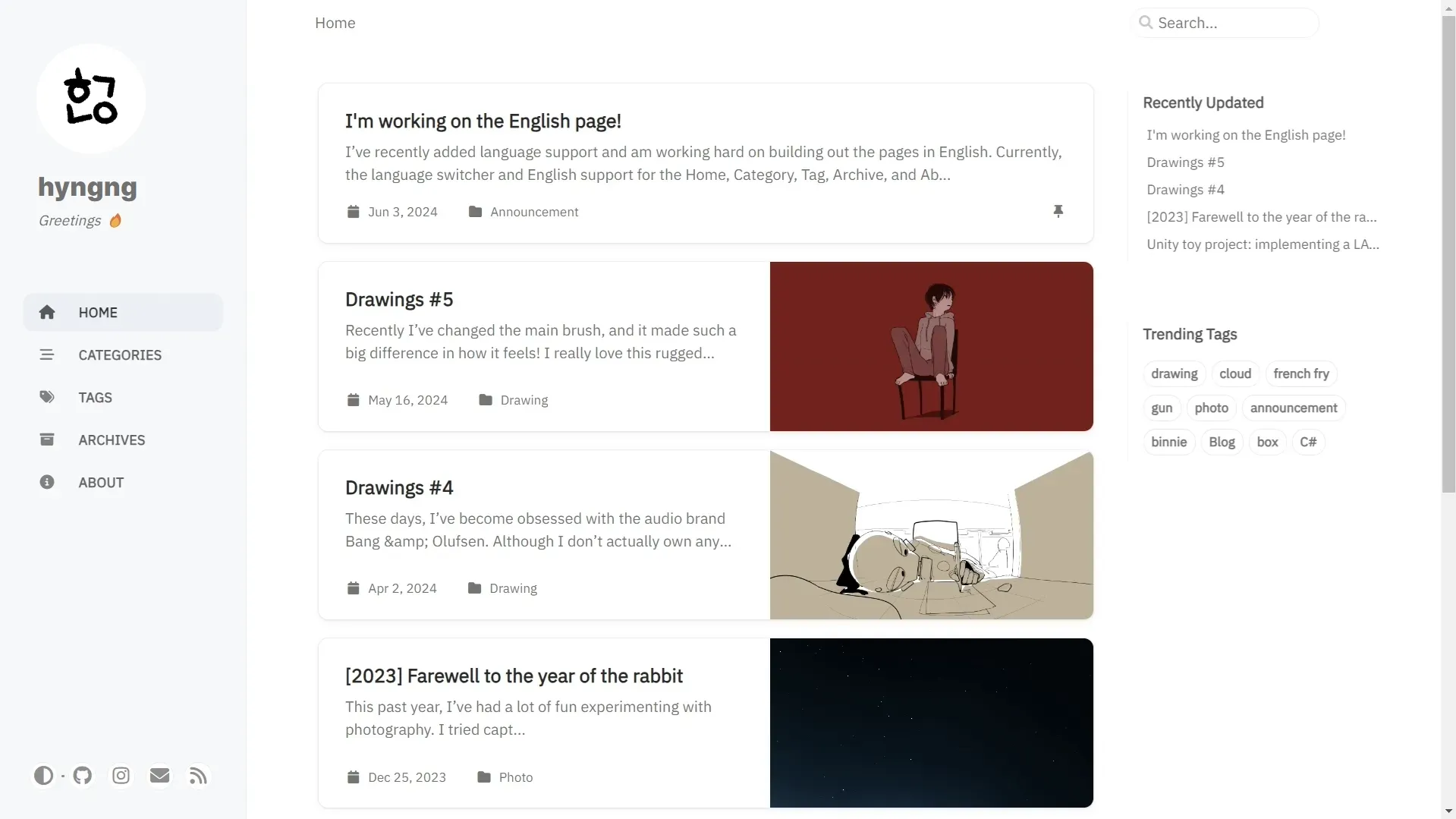
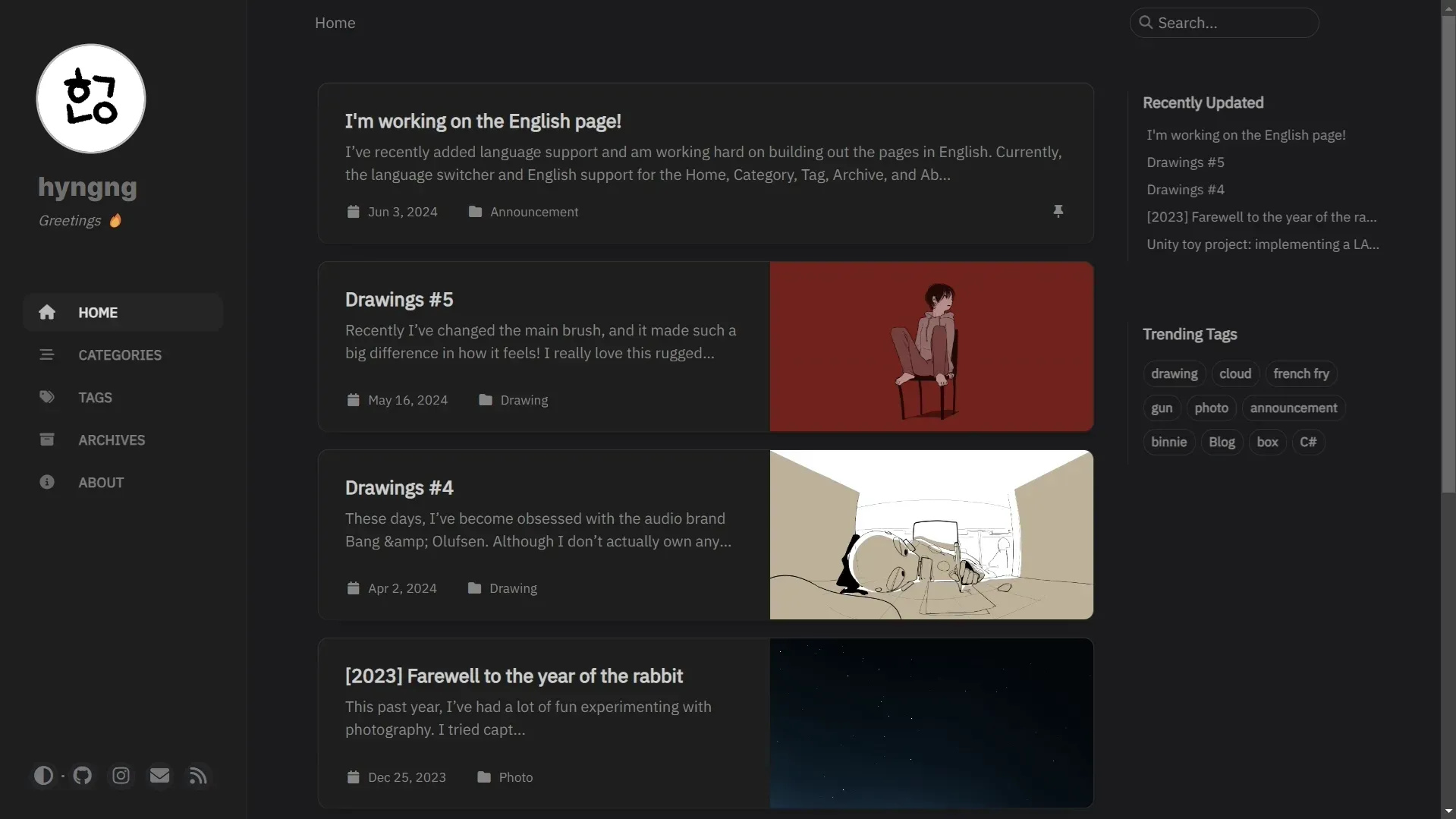
Closing
It’s exhausting. jekyll-polyglot feels more cumbersome than flexible or convenient. The implementation process isn’t remotely easy or comfortable, so I wondered if running a separate English-only page and managing two sites might be better — but content syncing and search registration would likely have more downsides, so I went with jekyll-polyglot. Still, if you can pull off the implementation, the benefits jekyll-polyglot provides when building custom multilingual features are undeniable.