在GitHub博客中删除特定标签内容
本文撰写于使用Jekyll框架时期。现已迁移至Astro!
引言
Chirpy主题干净利落,但原始状态下偶尔会觉得有些地方需要改进。虽然不时会进行修改,但个人仍然觉得有几个遗憾之处。
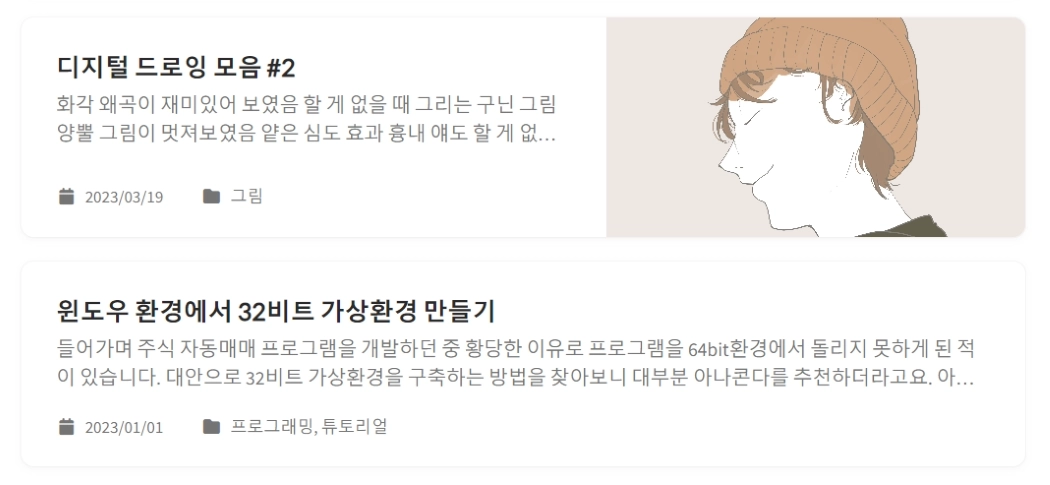
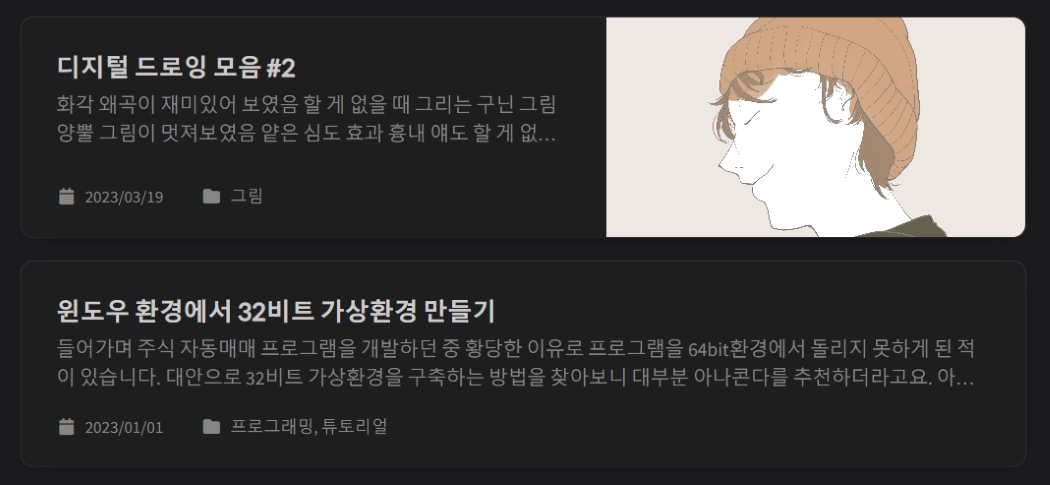 修改前博客首页显示的文章摘要
其中之一是博客首页的文章摘要会原样显示图片标题、标题等原始内容。如上所示,图片标题或”引言”等不必要部分一并显示,导致可读性下降。这本应是默认处理好的功能,这次找到方法后进行了修改。
原因分析
<div class="card-text content mt-0 mb-3">
  <p>
    {% include no-linenos.html content=post.content %}
    {{ content | markdownify | strip_html | truncate: 200 | escape }}
  </p>
</div>GitHub博客首页的相关内容写在_layouts/home.html中。原始代码如上所示,<div class="card-text content mt-0 mb-3">段落生成文章摘要。
查看代码后发现,内容仅经过markdownify和strip_html处理后直接显示为文本。我想在此基础上添加额外过滤器来移除特定标签,于是进行了以下步骤。
编写代码
require 'nokogiri'

module Jekyll
  module RemoveTagFilter
    def remove_tag(input, *tags)
      doc = Nokogiri::HTML(input)
      doc.remove_namespaces!
      tags.each do |tag|
        doc.search(tag).each do |node|
          node.content = ''
        end
      end
      doc.to_html.gsub(/\A<!DOCTYPE .*?>\n?/, '').gsub(/\n\z/, '')
    end
  end
end

Liquid::Template.register_filter(Jekyll::RemoveTagFilter)
{%- if post.description -%}
{{- post.description -}}
{%- else -%}
...
{{- content | markdownify | remove_tag: 'h2', 'h3', 'em', 'blockquote', 'pre' | strip_html | newline_to_br | replace: '<br />', ' ' | strip_newlines -}}
...
{%- endif -%}对负责搜索结果的assets/js/data/search.json文件也可以进行类似处理。
由于对Ruby和Liquid没有背景知识,在寻找方法上花了一些功夫。尝试仅用Liquid的split或join来解决,但难以达到预期效果,于是借助了GPT的帮助,通过在_plugins/remove-tags.rb路径下创建Ruby文件来使用。Ruby文件中创建了一个函数,接收标签类型作为参数,用正则表达式移除内部文本。使用了名为Nokogiri的解析库,在Liquid文件中像remove_tag: 'h2', 'h3', 'em', 'blockquote'这样调用。
2025-10-20 更新!
Chirpy版本更新到v7.4.0后,post-description.html被替换为了post-summary.html。不过结构基本相似,可以按如下方式编写:
  ...
  {%- assign content = content
    | markdownify
    | remove_tag: 'h2', 'h3', 'em', 'blockquote', 'pre'
    | strip_html
    | newline_to_br
    | replace: '<br />', ' '
    | strip_newlines
    | strip
  -%}
  ...
改进确认
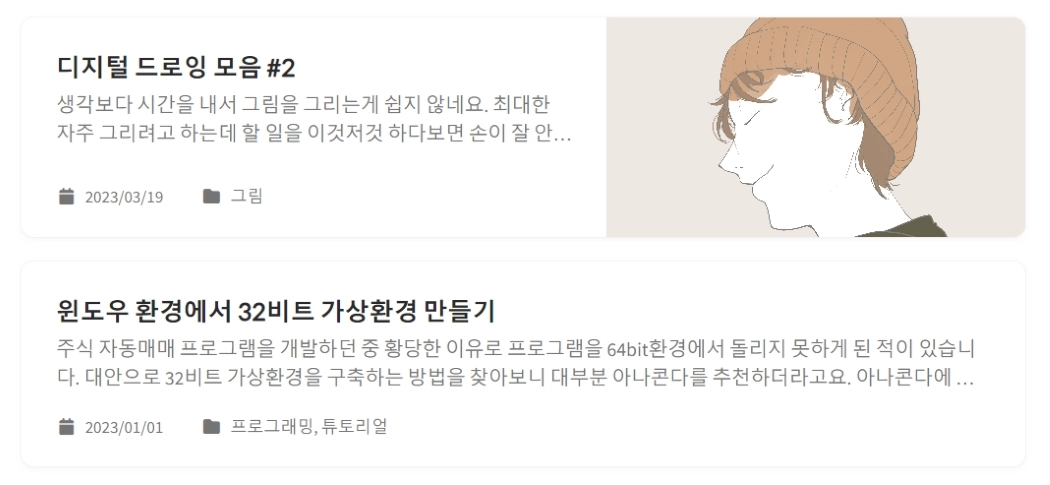
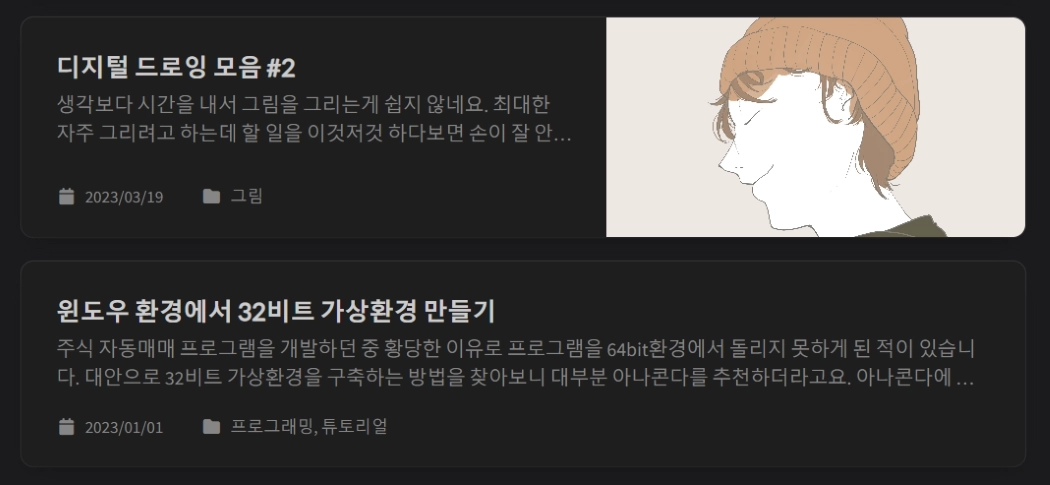 应用代码后改进的文章摘要
代码编写完成后运行良好。与修改前相比,不必要的内容被移除,文章摘要的可读性大幅改善。修改前令人费解的感觉消失了,变得自然多了。另外,只需在remove_tag:后添加需要移除的标签即可,使用也非常简单。今后要好好利用。